Changelog
What changed in each version of Lode. The app tells you when an update is ready.
Only show
Lode 1.0.3
Latest
App
- FixedThe Clip Editor no longer crashes the app when you seek several times quickly in a paused video.
- FixedTwo links added to the queue right away no longer end up as one video.mp4 file, the second overwriting the first.
How to update
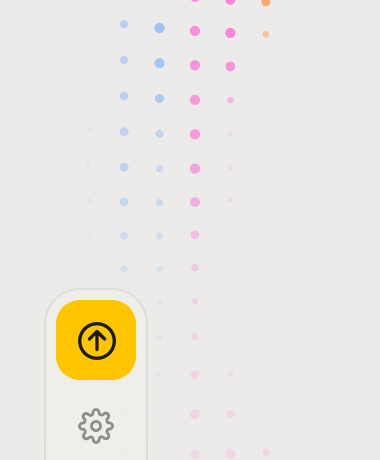
- 1Open LodeA yellow icon shows in the sidebar. Click it.
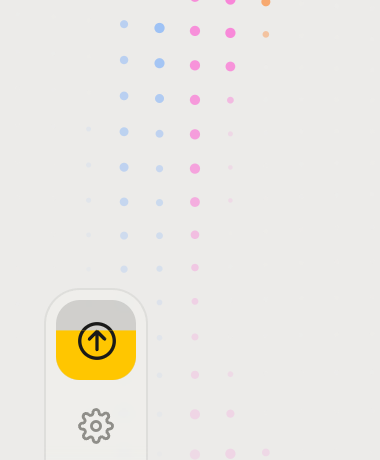
- 2Wait for the downloadThe icon fills up as the update downloads.
- 3Click Update nowLode restarts on the new version. Your queue is kept.
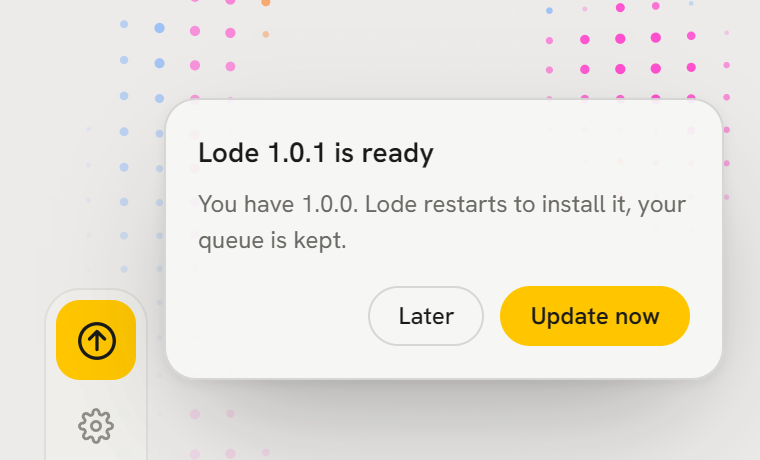
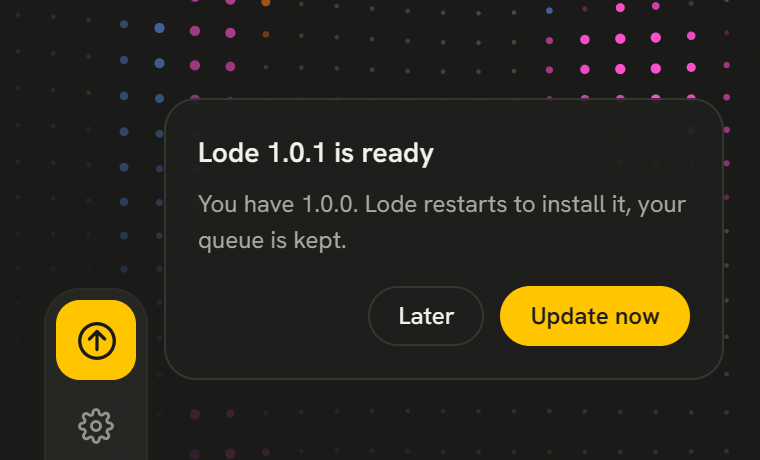
No icon? Get the latest version from the Download page and install it over your current one.
Lode 1.0.2
App
- NewKeep the subtitles of a local file when you convert it. Pick a language, all tracks, or single tracks.
- NewSeparate .srt saves the subtitles next to the video instead of inside it, one file per language.
- FixedCustom presets no longer keep input or output paths.
- FixedHEIC and HEIF photos open in Image mode.
- FixedThe Clip Editor no longer times out on links from sites that limit their speed.
- FixedProgress moves again on conversions where it stayed at 0 until the end.
- FixedFrame picker saves the exact frame you picked, not the one after it.
- FixedA frame picked at the very end of a video is saved, or the item fails with a clear message instead of finishing without a file.
- FixedConverted videos keep the start timecode of the original file.
- FixedProxy files keep the original file name and go in a Proxy folder, so DaVinci Resolve and Premiere link them.
- ImprovedSubtitles only lists the languages in your file. For several files, it lists the languages found across all of them.
- ImprovedItems in the queue and in History show the subtitles you kept.
- ImprovedThe progress bar shows a steadier speed and time left.
- ImprovedSetup closes Lode for you when it updates or uninstalls it, and shows when it is an update.Windows only
- ImprovedSetup offers the extension for every supported browser it finds.Windows only
- ImprovedA new AppImage or uninstalling offers to close Lode if it is open.Linux only
- ImprovedThe Clip Editor shows a smaller loading animation, with Cancel where Apply sits.
How to update
- 1Open LodeA yellow icon shows in the sidebar. Click it.
- 2Wait for the downloadThe icon fills up as the update downloads.
- 3Click Update nowLode restarts on the new version. Your queue is kept.
No icon? Get the latest version from the Download page and install it over your current one.
Lode 1.0.1
App
- NewSend a report from a failed item, its card in History, Settings or your profile menu. Say what happened and keep the app log attached if you want.
- NewIf Lode closes unexpectedly, it sends what happened the next time you open it, so we can fix it without you asking.
- NewLode updates itself on Linux too.Linux only
- NewDownload updates automatically, in Settings. Off by default: Lode still tells you when a new version is out, and you download it with one click.
- FixedA device you remove from your Account page is signed out the next time it opens Lode.
- FixedNo more lag on computers with a real graphics card. Software rendering now only kicks in on virtual machines.Linux only
- FixedContinue with Google works. Your browser opens Google, then brings you back to Lode.
- FixedThe Buy Lode button in your profile stays readable in dark mode.
- FixedDragging across the window no longer highlights the interface. Text stays selectable in fields and in Logs.
- ImprovedAn update shows its progress while it downloads, and tells you if it fails, with Try again.
- ImprovedUpdate notes only list the changes for your system.
Extension
- FixedOpen Lode starts the app again after you close it.Linux only
Website
- NewCreate an account on lodetools.com/signup. Your 7-day trial starts with the account.
- ImprovedAfter signing in with Google from the app, the browser tab confirms it instead of staying blank.
- ImprovedThe support chat follows the light or dark theme of the site.
How to update
- 1Open LodeA yellow icon shows in the sidebar. Click it.
- 2Wait for the downloadThe icon fills up as the update downloads.
- 3Click Update nowLode restarts on the new version. Your queue is kept.
No icon? Get the latest version from the Download page and install it over your current one.
Lode 1.0.0
First release of Lode for Windows and Linux. Download from any link, convert video, audio, GIFs and images, cut clips, and inspect files with Media Info.